
Data is extracted from the BigQuery with the help of some SQL queries and provides the result in some temporary table. BigQuery temporary table can cache the query results, name them randomly and stored in a special database. Temporary table is stored in BigQuery for 24 hours and we can also retain/query that table and after 24 hours it gets deleted automatically.
Let’s query one table and go to the Job Information tab.
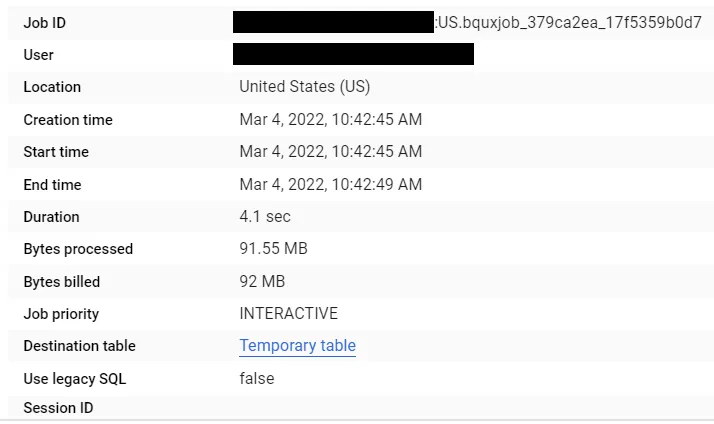
Over here you can see Job Id, table location, Destination table and many other things. Now click on Temporary Table and you will get a tab like this.
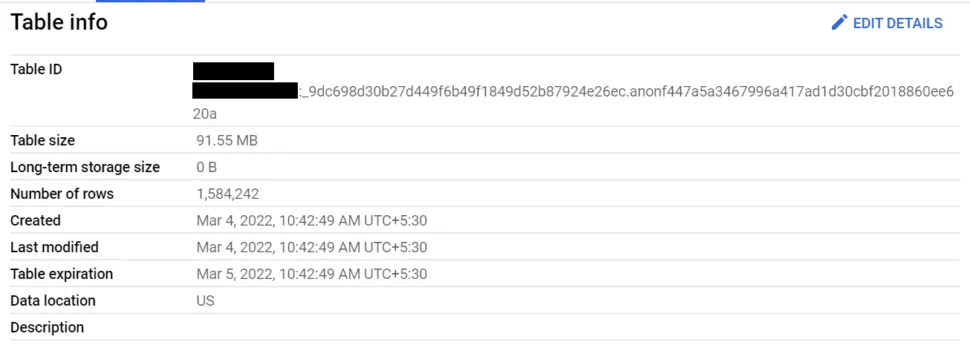
Table ID is the table name of a temporary table. Now run the same query again and go to the Job Information tab.
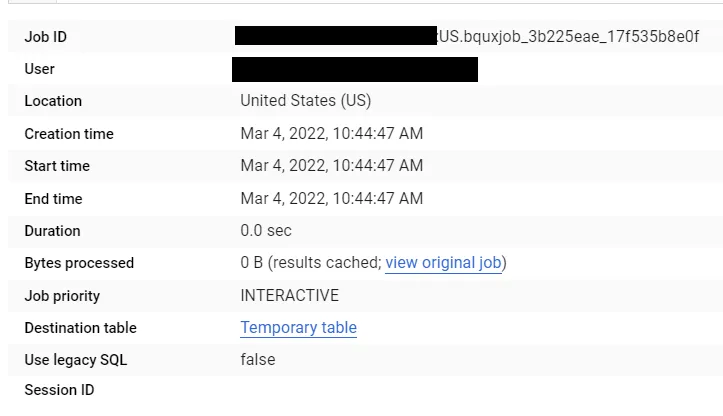
You’ll see Duration: 0.0 Seconds and Bytes processed: 0 Bytes. And click on Temporary Table.
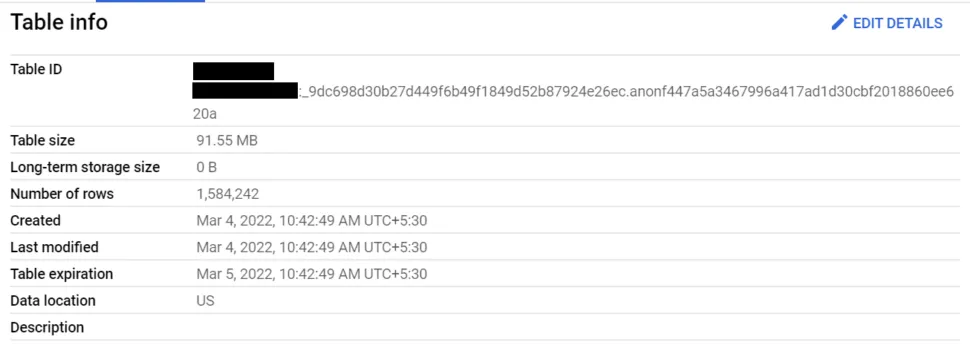
Over here you can see after running the query for the first time and second time, same temporary table is there. So, If you are running the same query within 24 hours, BigQuery is smart enough to recognize that and you’ll get the same temporary table and charged only once!
In some of the cases we require to query temporary tables without using subquery, or we need temporary tables in some jobs. In this scenario we can use temporary Table ID.
public static void UseTemporaryTable (string Query,BigQueryClient client)
{
     BigQueryResults result = client.ExecuteQuery(query, null);

     string query2= "select * from " + result.TableReference.DatasetId + "." + result.TableReference.TableId;

	BigQueryResults result2 = client.ExecuteQuery(query2, null);
}
public static JobState exportToGCS(BigQueryResults result, BigQueryClient client, string fileName)
        {
            BigQueryJob job = client.CreateExtractJob(result.TableReference, fileName);
            Console.WriteLine("CreateExtractJob ran");
            job = job.PollUntilCompleted().ThrowOnAnyError();
            JobState jobState = job.State;
            return jobState;
        }
One thing to note is, we cannot share temporary tables and BigQuery does not charge us to store temporary tables. And temporary tables is only accessible in the session that was created in.